
The Base64 decoder got forgiving (and precise)
Three real-world variants that used to fail — URL-safe alphabets, wrapped lines, missing padding — now decode. Invalid input names its character.
Base64 has more dialects than people expect, and a strict decoder turns every one of them into a failure. Three kept breaking real payloads: URL-safe alphabets (JWTs use - and _ instead of + and /), MIME-style line breaks (76-character wrapping, as produced by most mail and certificate tooling), and omitted padding (the trailing = characters, which JWTs also drop).
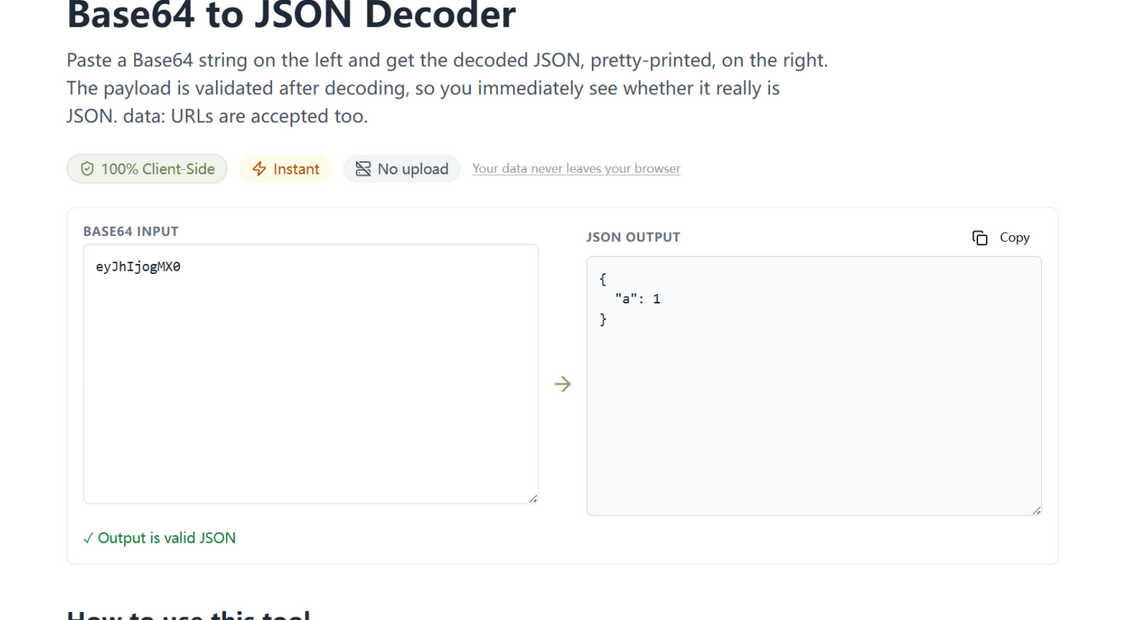
What changed
- All three dialects decode — URL-safe characters are mapped back, whitespace is stripped before decoding, and missing padding is restored automatically.
- Precise errors — when input is genuinely invalid, the error names the exact offending character and its code point (“unexpected character
*(code 42)”) instead of a generic failure. - The JSON check — decoded output is validated, and the badge tells you whether you recovered a document or plain text.
How to use it
Paste anything base64-ish into the Base64 to JSON decoder — a JWT segment, a wrapped MIME block, a padded or unpadded string — and the JSON appears on the right when the payload is one. Nothing is uploaded; the decode happens in your tab like everything else here.
Forgiving where it counts, precise where it matters
Every tolerance on this list corresponds to a real producer: JWTs (RFC 7515) omit padding, MIME (RFC 2045) wraps lines, URL contexts swap the alphabet. The decoder accepts all three — and when input is genuinely wrong, it names the exact offending character, so the rare real mistake is as quick to fix as the common dialects are to accept.
Try it in your browser
Every tool on JSON Formatter App runs 100% client-side. No upload, no signup.
Open the editor